Use the state, county and city purchasing directory
Part of these button learning paths: State, City, and County RoadMap
Application path: Main Menu → Research → State, City, and County RoadMap → choose a state and directory category → Submit.
From Main Menu → Research, choose State, City, and County RoadMap. Select a state and directory category, then press Submit to open grouped state, county and city links. Choose a name to open its outside website; browser Back returns to the directory. Use the agency's current purchasing page to confirm instructions. For example, Florida CIOs/IT includes a Pinellas County CIO/IT link to the county's Business Technology Services page.
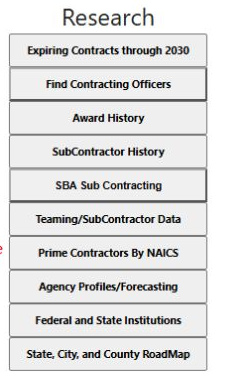
The actual Main Menu Research column shows State, City, and County RoadMap as a directory route.
| Selection or control | Meaning and action |
|---|---|
| Select State | Choose the state whose directory entries you want to inspect. |
| Directory category | Choose All (the default), Directory of State Agencies, Awards, CIOs/IT, Public Works, Purchasing Contacts, EMA, Police, Fire, Trans or HR. These choices classify directory links. Awards does not run an internal award search. |
| Submit | Opens the selected state's directory results for the selected category. |
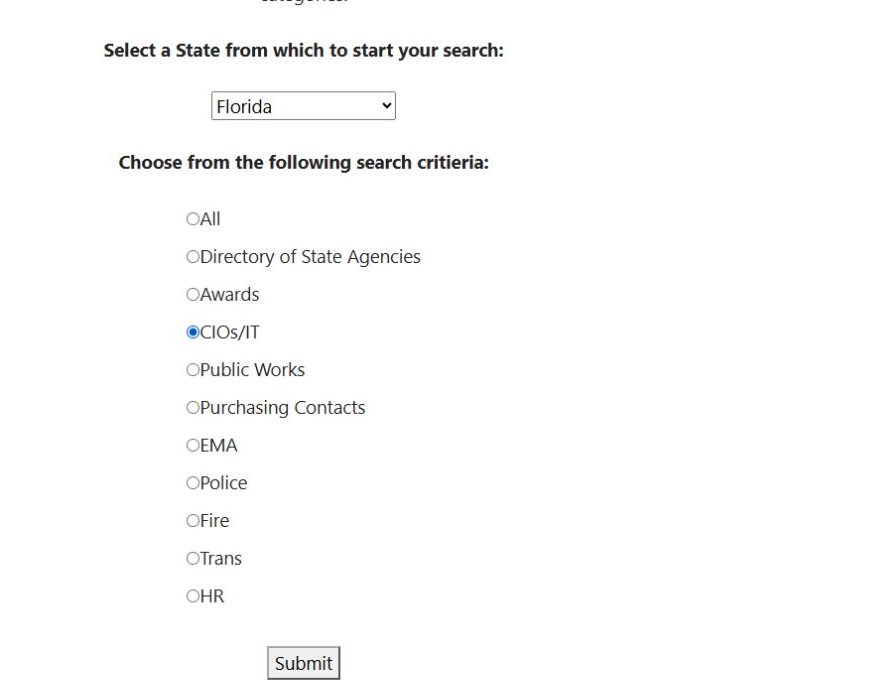
The saved form shows Florida and CIOs/IT selected. Choose a different directory category when you want another resource group; the category selection determines the link directory, not an internal award search.
Results are grouped under State, County and City. The Florida CIOs/IT result displayed 2, 11 and 26 entries in those groups. Each name opens an outside website. Check the destination before relying on it: for example, the displayed Lee County CIOs/IT entry points to a polk-county.net address. An unavailable entry may show a “No [entry]” message. This directory has no Excel export.
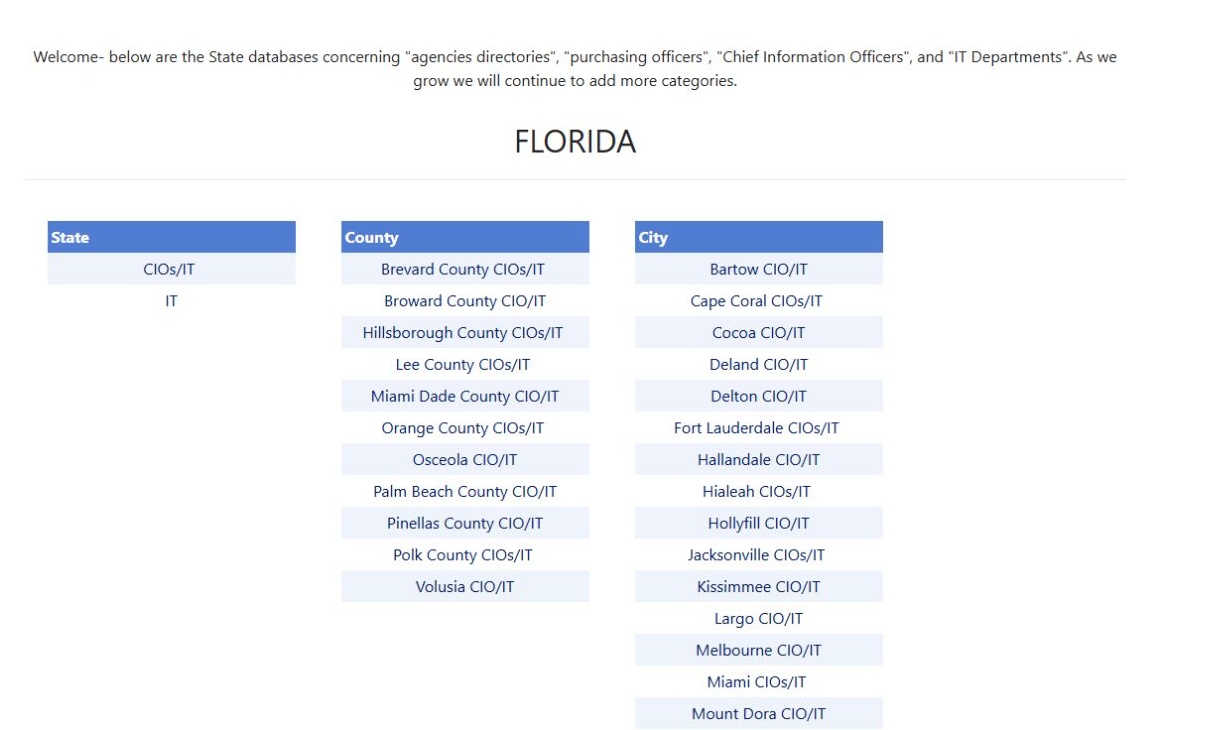
Open the Florida directory image at full size.
For an IT seller, select the state and CIOs/IT, then browse the three groups separately. Follow the appropriate agency link for current plans, purchasing instructions and notices. Share the agency's own notice URL when discussing an opportunity.