Find specifications and related documents
Application path: Main Menu → Mil-Spec or Non-Govt. Standards → choose a search type → Search.
Use Mil-Spec -or- Standard No. when you know the document identifier. Enter its full prefix and dashes. Use Mil-Spec Keyword Search when you know the subject but need to find the document number.
Search by a subject and choose a document
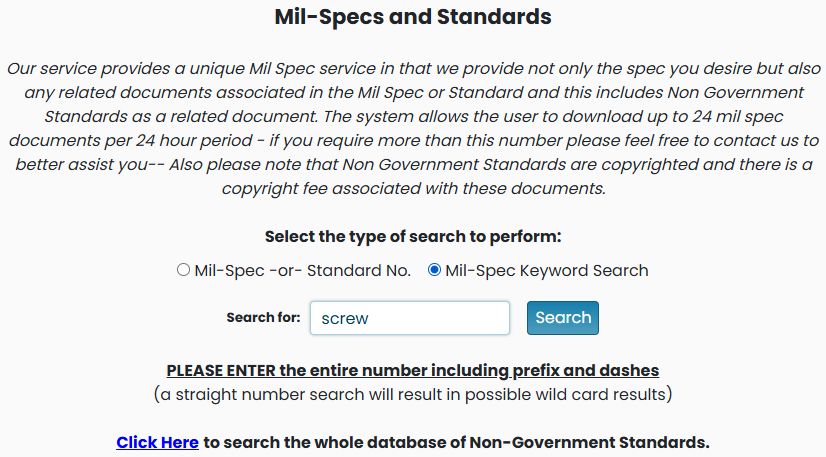
- Choose Mil-Spec Keyword Search.
- Enter screw and select Search.
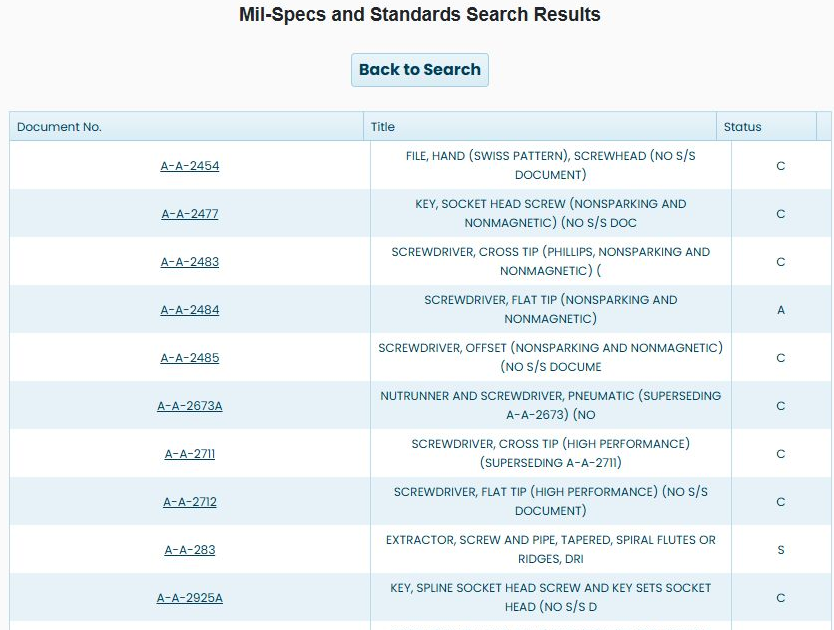
- Compare the result's Document No., Title and Status.
- Select A-A-2484, titled SCREWDRIVER, FLAT TIP (NONSPARKING AND NONMAGNETIC) in this example.
The keyword search returns a broad list of document references. The October 22, 2026 example begins with files, socket-head screw keys and screwdrivers. Compare the Title with the item you need rather than choosing the first match. A-A-2484, titled SCREWDRIVER, FLAT TIP (NONSPARKING AND NONMAGNETIC), appears among these results with Status A. Select its document-number link to open the document history explained below. Back to Search returns to the search form.
Search by an exact document number
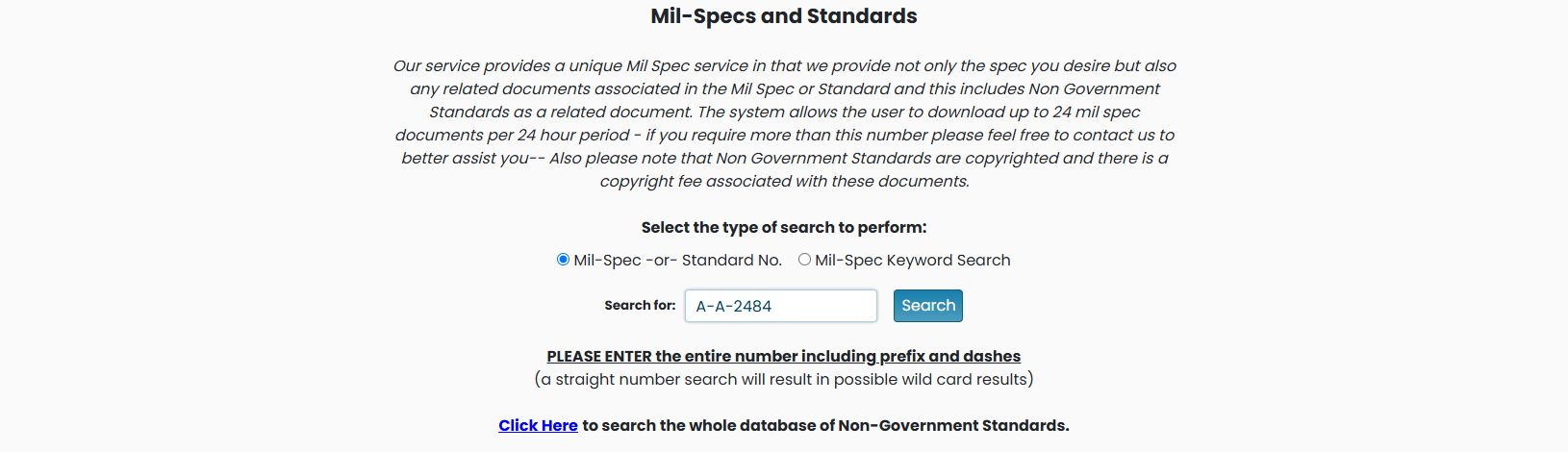
Choose Mil-Spec -or- Standard No., enter A-A-2484, and select Search. The exact-number search returns the two displayed result rows. Select A-A-2484 to open its document history.

Read the document history
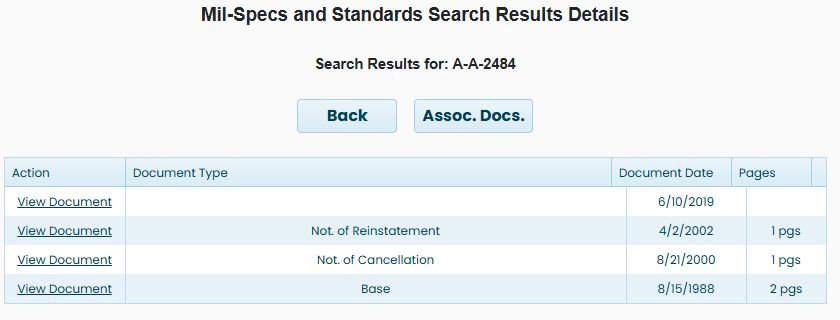
For A-A-2484, the detail screen lists separate document rows, including a base document, cancellation notice, reinstatement notice and later validation entry. Each row has these columns:
| Column | Meaning |
|---|---|
| Action | View Document links to the file associated with this row. |
| Document Type | Identifies the base document or notice type when supplied. |
| Document Date | The date recorded for that document version or notice. |
| Pages | The page count when supplied. |
The example includes the August 15, 1988 base document with 2 pgs, an August 21, 2000 cancellation notice with 1 pgs, and an April 2, 2002 reinstatement notice with 1 pgs. Read the notice and its date when choosing a file; the rows represent different parts of the document's history.
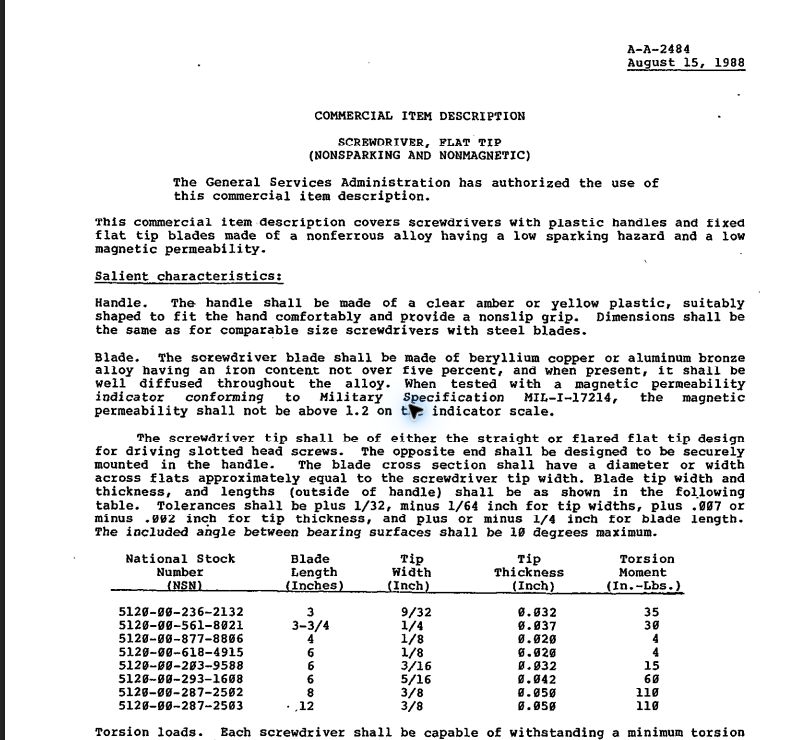
Choose View Document on the August 15, 1988 base-document row to open its two-page PDF in the browser. The first page identifies COMMERCIAL ITEM DESCRIPTION — SCREWDRIVER, FLAT TIP (NONSPARKING AND NONMAGNETIC), document A-A-2484, dated August 15, 1988.
Inspect associated documents
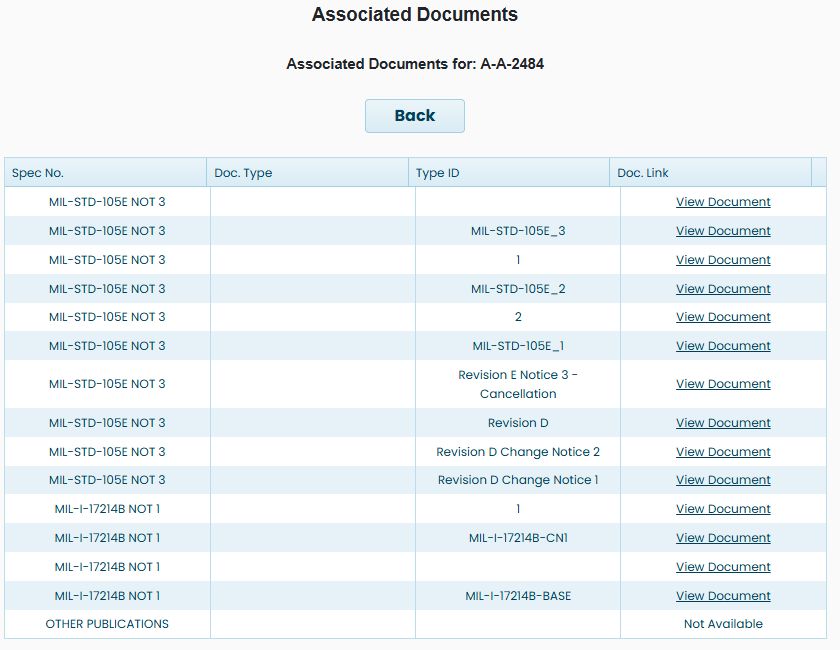
Select Assoc. Docs. to open the documents related to the chosen specification. The example lists references including MIL-STD-105E and MIL-I-17214B.
Spec No. identifies the related reference. Doc. Type supplies its type when present. Doc. Link provides View Document where a file is offered; a row can instead say Not Available. Use Back to return to the previous screen.
The search form also offers an external non-government standards catalog. Its notice explains that non-government standards can involve copyright fees. The form states a limit of 24 military-specification downloads per 24 hours.